

Graphics is the discipline that underlies that underlies the representation and display of geometric shapes in two- and three- dimensional space. To help you ease into the world of graphics, this post provides an introduction to a gentler set of graphic operations known as Turtle graphics. A Turtle graphics toolkit provides a simple and enjoyable way to draw pictures in a window and gives you an opportunity to run several methods with an object.
Turtle graphics were originally developed as part of the children’s programming language Logo, created by Seymour Papert and his colleagues at MIT in the late 1960s. The name is intended to suggest a way to think about the drawing process. Imagine a turtle crawling on a piece of paper with a pen tied to its tail. Commands direct the turtle as it moves across the paper and tell it to lift or lower its tail, turn some number of degrees left or right, and move a specified distance. Whenever the tail is down, the pen drags along the paper, leaving a trail. In this manner, it is possible to program the turtle to draw pictures ranging from the simple to the complex. In the context of a computer, of course, the sheet of paper is a window on a display screen and the turtle is an invisible pen point. At any given moment in time, the turtle is located at a specific position in the window. This position is specified with (x, y) coordinates. The coordinate system for turtle graphics is the standard Cartesian system, with the origin (0, 0) at the center of a window. The turtle’s initial position is the origin, which is also called the home.
Heading: Specified in degrees, the direction increases in value as the turtle turns to the left, or counterclockwise. Conversely, a negative quantity of degrees indicates a right, or clockwise, turn. The turtle is initially facing north, or 90 degrees. East is 0 degrees.
Color: Initially black, the color can be changed to any of more than 16 million other colors.
Width: This is the width of the line drawn when the turtle moves. The initial width is 2 pixels.
Down: This attribute, which can be either true or false, controls whether the turtle’s tail is up or down. When true (that is, when the tail is down), the turtle draws a line when it moves. When false (that is, when the tail is up) the turtle can move without drawing a line.
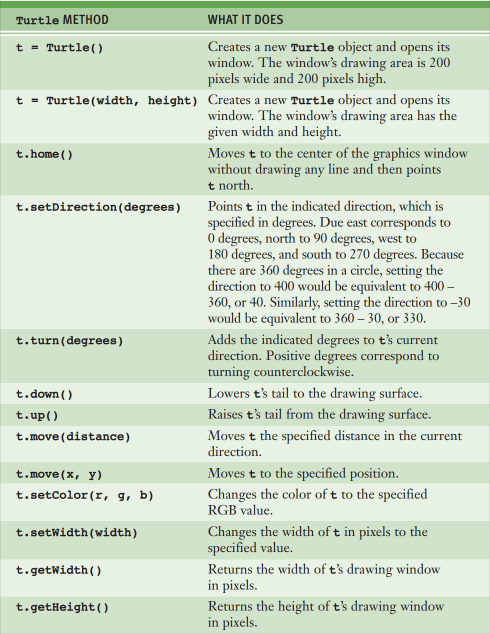
The following is a list of functions within the Turtle module.
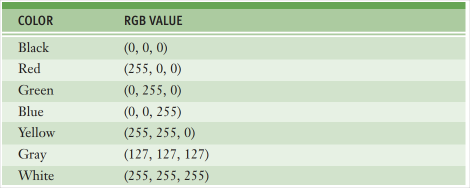
Examples of colors available in Turtle and their corresponding RGB values. RGB values are a universal way to quantify colors.
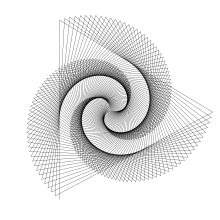
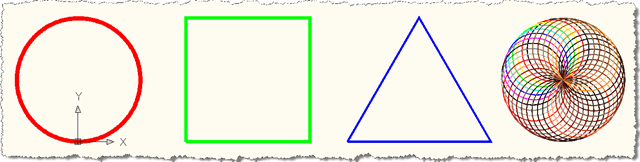
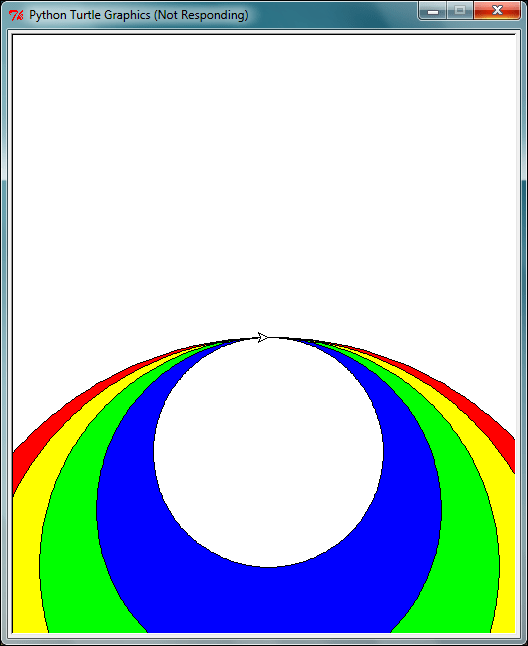
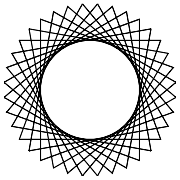
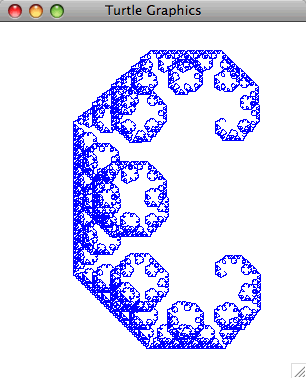
Examples of Turtle Graphics
 Programming with Python